Key Takeaways
- Quality educational apps can support learning when used intentionally and in moderation as part of a balanced approach.
- The best educational apps adapt to your child's level, provide immediate feedback, and make learning engaging without relying on rewards that undermine intrinsic motivation.
- Common Sense Media provides excellent reviews of educational apps with detailed information about privacy, learning potential, and age appropriateness.
- Set clear time limits for app use and prioritize apps that require active thinking over passive consumption.
- The most effective approach combines quality digital tools with hands-on learning, real-world experiences, and human interaction.
Choosing Quality Educational Apps: What to Look For
The app marketplace is flooded with products claiming to be educational, but quality varies enormously. A well-designed educational app adapts to your child's skill level, provides meaningful feedback, teaches real content or skills, and engages children through the learning itself rather than through flashy rewards. An app that relies on bells, whistles, and prize collection to keep children engaged is teaching them to chase rewards, not love learning.
Look for apps that are aligned with established learning progressions. Reading apps should use systematic phonics instruction based on the science of reading. Math apps should build conceptual understanding, not just drill facts. Science apps should encourage curiosity and exploration. Check the background of the app developers — apps created by educators or in consultation with learning scientists are generally more reliable than those created by entertainment companies.
Open-ended creative apps that allow children to make, create, and explore often have more educational value than drill-based apps. Drawing apps, music creation apps, coding apps, and digital storytelling tools let children apply skills creatively rather than passively consume content. The best educational technology treats children as creators, not consumers.
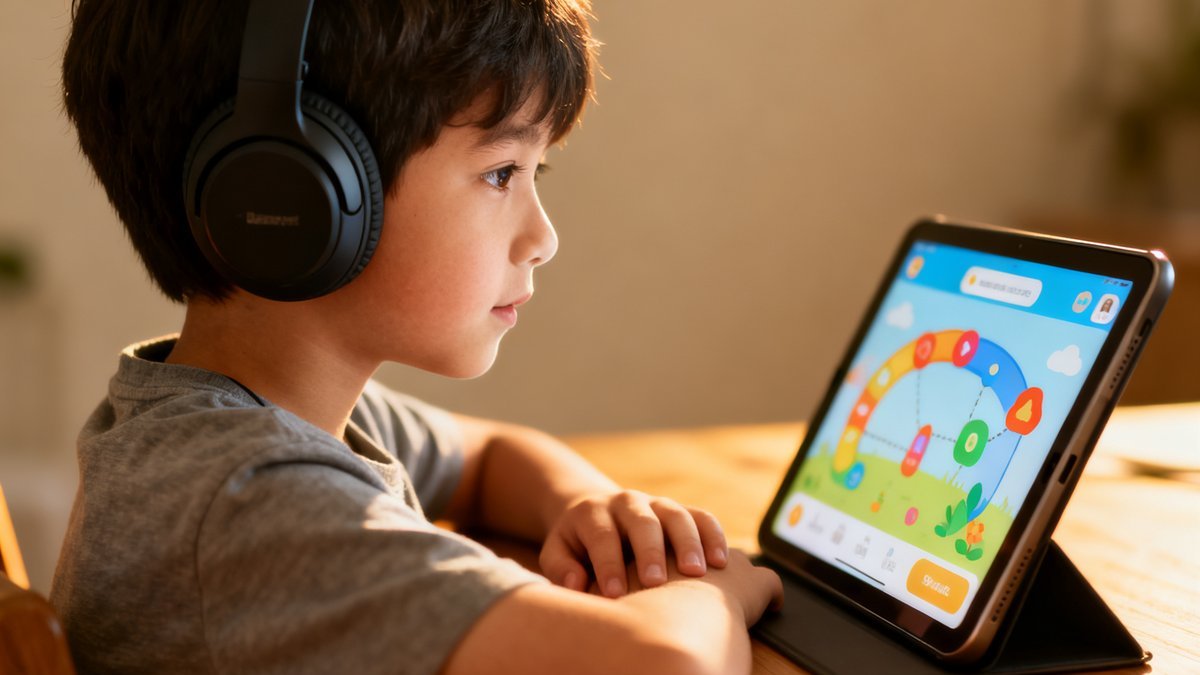
Consider the difference between active and passive screen time. Active screen time involves thinking, creating, and problem-solving. Passive screen time involves watching and consuming. The best educational apps lean heavily toward active engagement. Ask yourself: Is my child thinking while using this app, or just watching?
Privacy matters for children's apps. Many free apps collect data from children or show advertising. Look for apps that are COPPA-compliant, do not collect personal information, and do not contain advertising or in-app purchases. Common Sense Media reviews include detailed privacy evaluations for most popular children's apps.
Every child develops differently, and these general parenting guidelines should be discussed with your healthcare provider for personalized advice.
Top Apps and Websites by Subject and Age
For early literacy (ages 2-6): Homer is a comprehensive early learning program that builds reading skills through phonics, stories, and activities. Khan Academy Kids is a completely free app covering reading, math, and social-emotional skills with engaging characters and activities. Endless Reader uses silly monsters to teach sight words in context. Starfall offers systematic phonics instruction through games and activities.
For reading and language arts (ages 6-12): Epic! offers unlimited access to thousands of children's books, audiobooks, and educational videos. Newsela provides news articles adapted to different reading levels. Vocabulary.com uses adaptive technology to build vocabulary. Grammarly's browser extension can help older children improve their writing skills through real-time feedback.
For math (ages 4-12): Khan Academy offers comprehensive, free math instruction from counting through calculus with video lessons and adaptive practice. Prodigy gamifies math practice in a fantasy role-playing game format. DragonBox uses clever game design to teach algebraic thinking to children as young as 5. Bedtime Math provides daily math stories and problems that make math part of family routine.
For science and STEM (ages 4-12): Mystery Science offers complete science lessons with videos and hands-on activities. Tappity provides interactive science learning through video lessons and quizzes. Scratch and ScratchJr teach programming through visual block-based coding. Tynker offers more advanced coding instruction for older children.
For creativity and critical thinking (ages 4-12): Drawing and painting apps like Procreate (for older children) can support artistic expression. GarageBand lets children create music. Minecraft Education Edition teaches problem-solving, collaboration, and creativity in a digital world. BrainPOP offers animated educational videos across all subjects with quizzes and activities.
Setting Digital Boundaries for Educational Screen Time
Even the best educational apps should be used in moderation as part of a balanced childhood that includes physical activity, hands-on play, social interaction, and screen-free time. The American Academy of Pediatrics recommends no more than one hour per day of quality screen time for children ages 2-5 and consistent limits for older children.
Co-view and co-play whenever possible. Using apps together with your child enhances learning by providing opportunities for discussion, elaboration, and connection. Ask your child what they are learning, have them teach you something from the app, and extend the learning through real-world activities. A parent engaged in digital learning makes it significantly more valuable.
Use device settings to enforce time limits and create a device-free wind-down period before bed. Blue light from screens can interfere with sleep. Stop screen use at least one hour before bedtime. Keep devices out of bedrooms overnight. Create screen-free zones in your home, such as the dinner table and reading areas.
Teach digital citizenship alongside digital learning. Talk about privacy, advertising, and evaluating online information. Help your child understand that not everything on the internet is true. Teach them to recognize advertisements within apps. These skills are essential for safe, responsible technology use throughout life.
Remember that apps are tools, not teachers. The most powerful learning happens through human interaction, hands-on exploration, and real-world experiences. Use educational technology strategically as one tool in your larger educational toolkit, not as a replacement for the rich learning that happens through play, conversation, and everyday life.
Trust your instincts as a parent. You know your child better than anyone else. When something does not feel right, speak up and ask questions.
Frequently Asked Questions
Are free educational apps as good as paid ones?
Some free apps are excellent. Khan Academy Kids is completely free and high-quality. Others use problematic business models like advertising, data collection, or aggressive in-app purchase prompts. Paid apps generally offer an ad-free, privacy-respecting experience. Evaluate each app on its own merits. Common Sense Media reviews are a helpful resource for comparing free and paid options.
How do I know if an app is truly educational or just entertaining?
Ask yourself: Is my child actively thinking and problem-solving, or passively watching? Does the app teach real content aligned with learning progressions, or just provide superficial engagement? Does it adapt to my child's level? Does it offer meaningful feedback? Apps that primarily entertain without teaching skills are fine for occasional fun, but they should not be confused with educational tools.
Should I let my child use educational apps before age 2?
The American Academy of Pediatrics recommends avoiding screen media for children under 18-24 months, with the exception of video chatting. Very young children learn best through face-to-face interaction, hands-on exploration, and real-world experiences. If you choose to introduce digital media after 18 months, co-view and interact with your child during use.
How can I tell if an app is collecting my child's data?
Check the app's privacy policy before downloading. Look for apps that are certified by the kidSAFE Seal Program or have been reviewed by Common Sense Media. Avoid apps that require excessive permissions or personal information. Free apps are more likely to collect data than paid apps. When in doubt, choose the paid, ad-free version if available.
Conclusion
Educational technology, used thoughtfully, can be a valuable tool in your child's learning journey. The best apps engage children actively, teach real skills, and spark curiosity. Use them strategically alongside hands-on learning, real-world experiences, and plenty of human connection. Your engaged presence makes any educational tool more powerful.
This information is provided for general parenting guidance and educational purposes. Always consult with your healthcare provider for medical advice specific to your situation.